Attach an Artifact
Pull an artifact onto a release from somewhere it already exists, instead of uploading fresh bytes.
Permission level: upload-artifact
Where it lives
Create a Release → Components step → Attach from source.
Choose a source
| Source | What it browses |
|---|---|
| Object storage | Files already uploaded to the bucket |
| Container registry | OCI (docker) images from configured registries |
| RPM repository | Packages from configured yum repos |
| APT repository | .deb packages from configured apt repos |
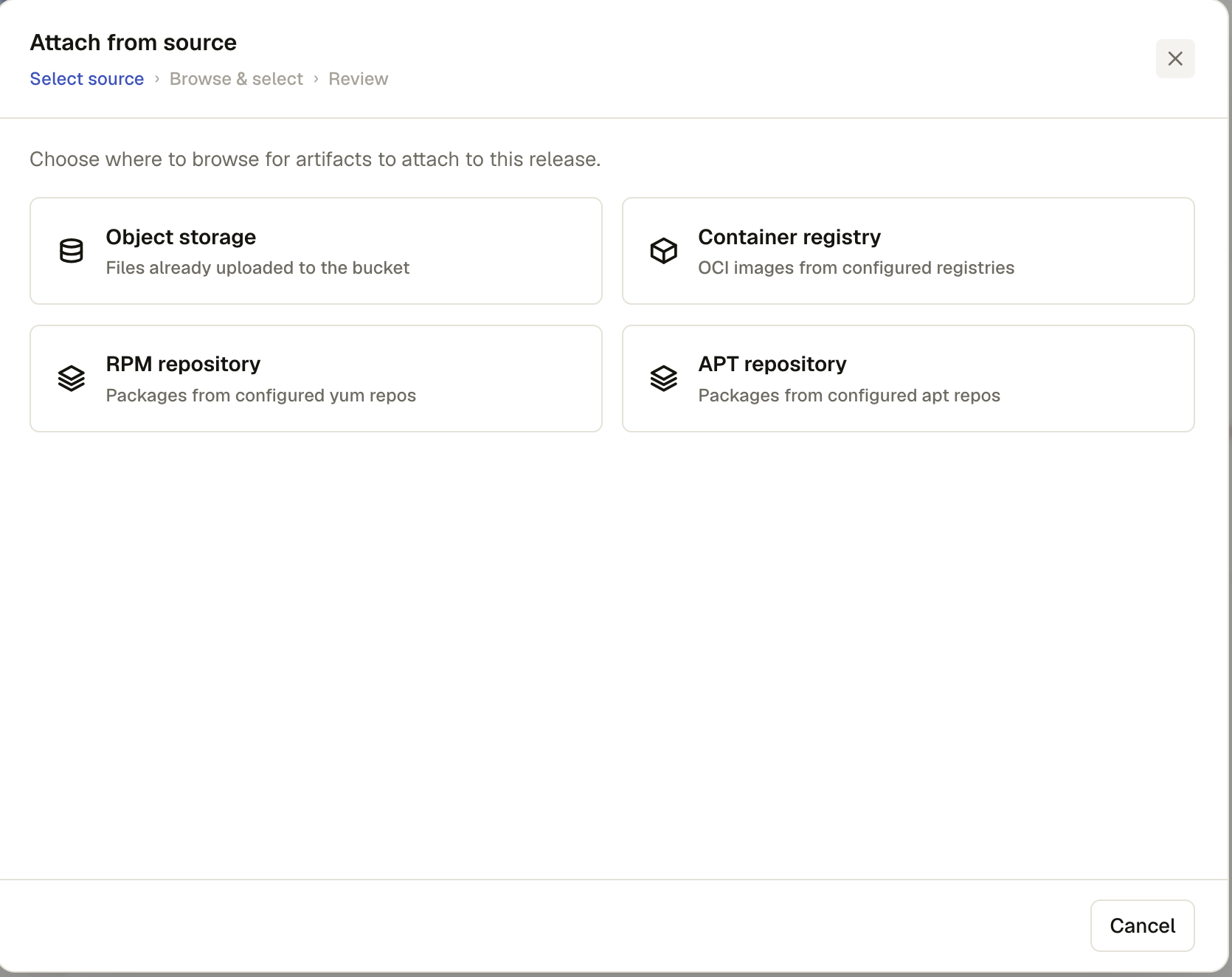
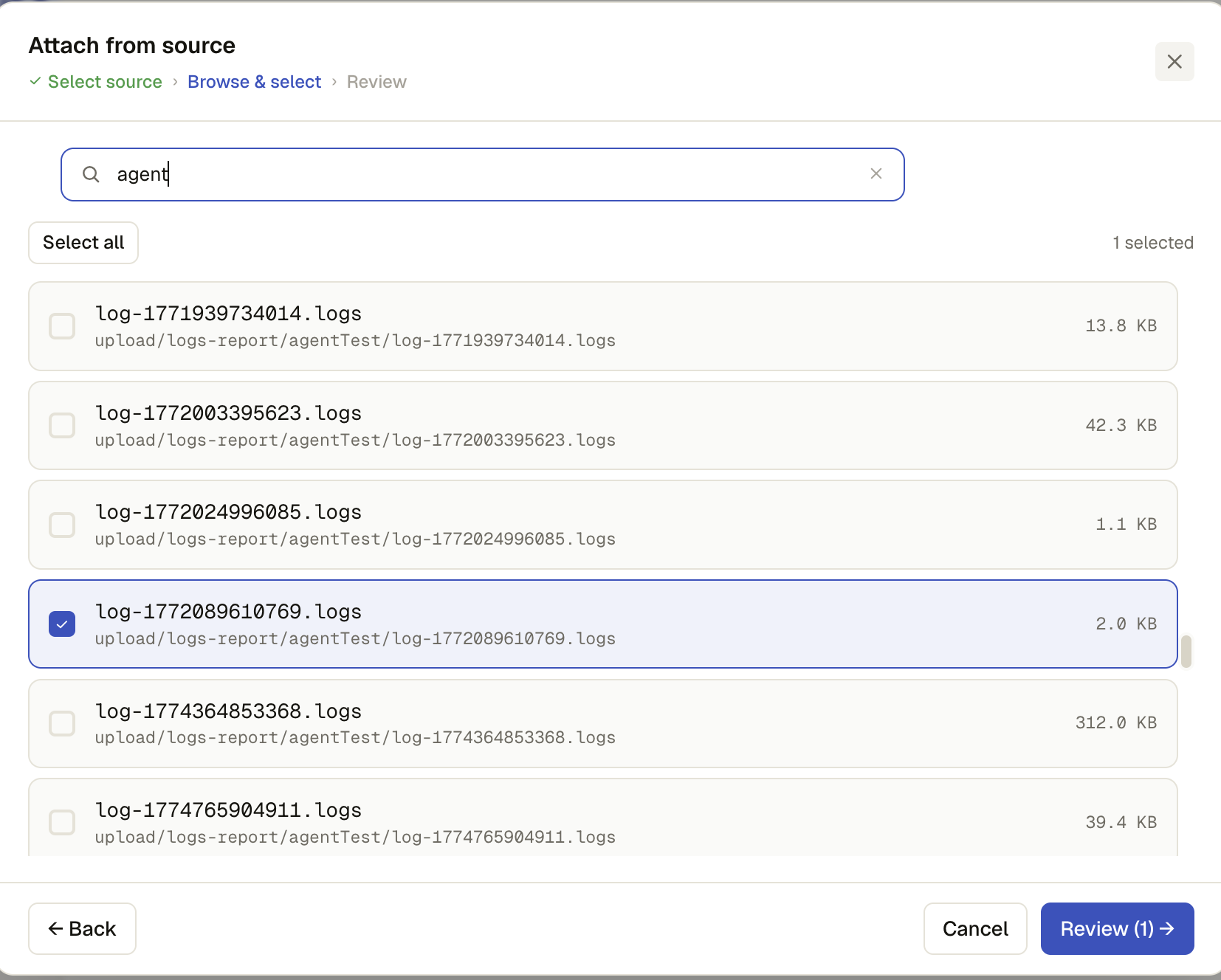
Browse & select
Search within the chosen source (server-side filtered), multi-select as many items as you need, and scroll for more — the list loads more automatically as you near the bottom. An item already on the release is marked On release, since two artifacts can't share a name.
Review
A final list of everything you picked, each removable before confirming. Attach adds them all to the release.
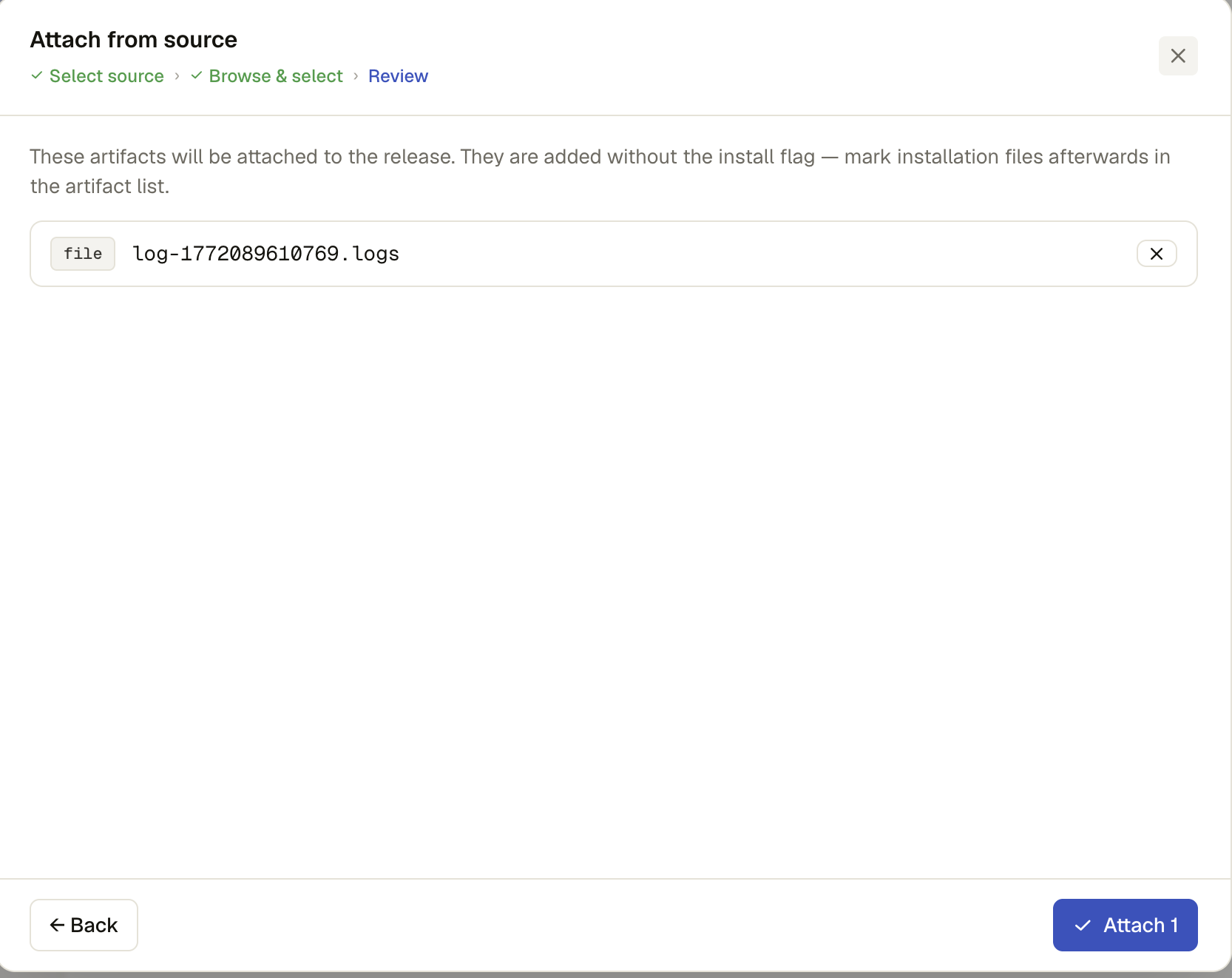
Not install-bound by default
Attached artifacts arrive without the install flag — go back to the Components list afterward to mark whichever one is the actual installer.