Tier 2 – Server
When to use
One of the four following states is reported, after Tier 1 escalated directly to Desk.
💡 The decision tree below defaults to English; use the toggle for עברית.
Issues Handled Here
| Issue Type | Description |
|---|---|
| 🔨 Cannot build a rule | Build failure in Rules |
| 📦 Cannot upload an artifact | Upload failure |
| 🏷️ Cannot create a version | New version creation fails |
| 🔌 Cannot connect to server | Login / connection error |
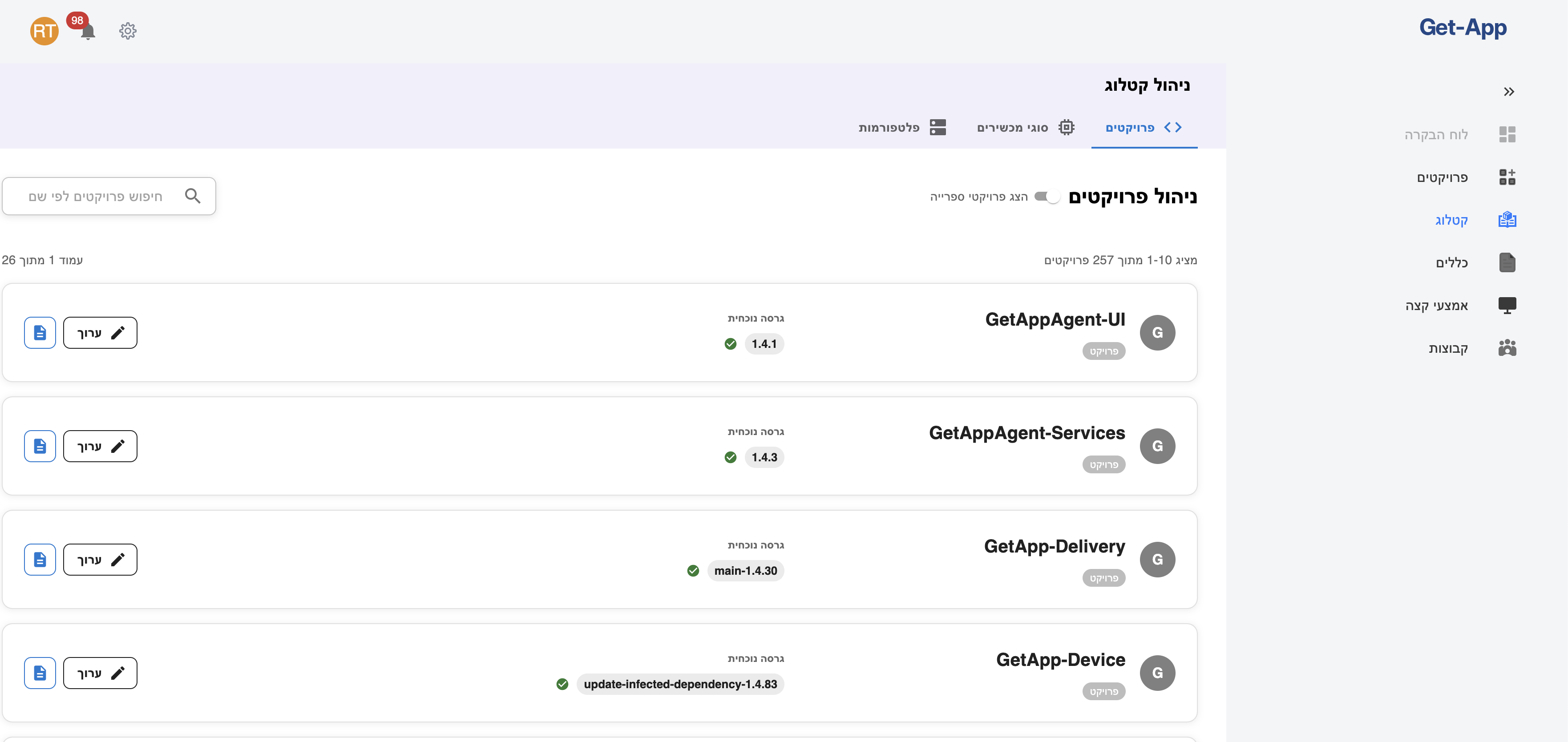
These are all reached from the Server Dashboard (Catalog → Projects), which is also where you confirm the operation still fails after a fix.
Decision Tree
Tier 2 Server — Cannot Build / Upload / Create / Connect
Step
Check OpenShift
- Open OpenShift.
- Verify all Deployments and Pods are active and Running.
Deployment Reset Command
The decision tree points here at the reset step.
# OpenShift CLI
oc rollout restart deployment/<deployment-name> -n <namespace>

# Or via the OpenShift UI:
# Workloads → Deployments → select deployment → Actions → Restart
What to send to developers
When escalating to developer support, include:
- Names of the problematic deployments
- Description of the issue (build / upload / version / connect)
- Screenshot of OpenShift showing pod status
- Exact error message (if available)
Legend
| Symbol | Meaning |
|---|---|
| ✅ | Yes / Success |
| ❌ | No / Failure |
| ⚠️ | Warning / Action required |
| 🔴 | Escalation required |
This document is Part 2 of the GetApp troubleshooting docs — server-level / Desk investigation.