Policy
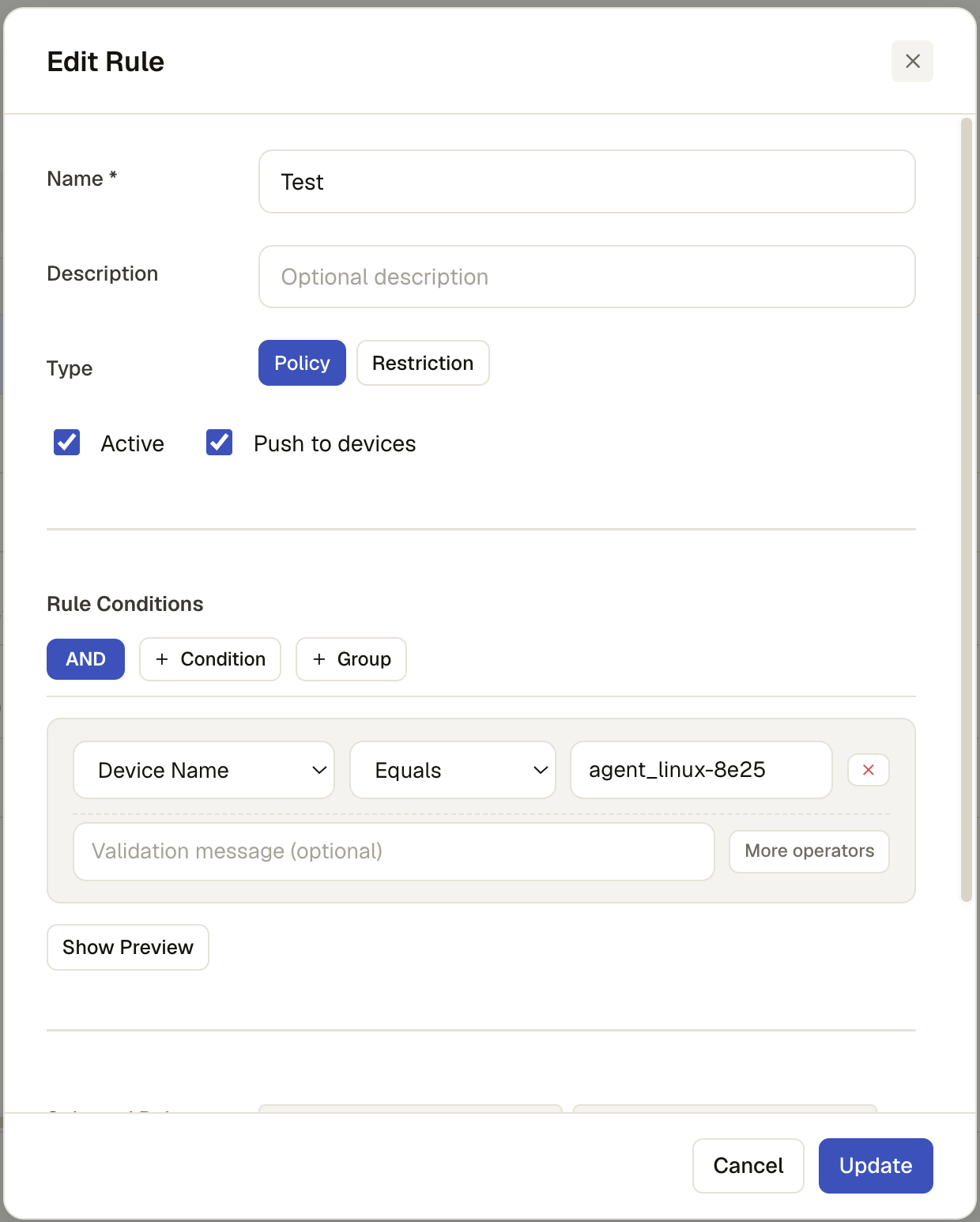
A policy is a rule scoped to releases — which app versions it applies to. See Overview for the shared rules screen and condition builder; this page covers what's specific to the Policy type.
Permission level: Admin
Where it lives
Admin → Rules → New rule, Type set to Policy (the default).
What's specific to a policy
Below the condition builder, a policy adds a release picker:
pick a Project, then one of its Release versions, and Add — repeatable, building
up a list of project@version pairs the policy applies to. Each is removable with its chip's
✕.
Examples
Gate a release on installed version
- Type: Policy
- Selected release:
MyApp @ 2.1.0 - Condition:
Release Version≥2.0.0 - Push to devices: off
This doesn't push anything by itself — it records that MyApp 2.1.0 is only considered compliant where the release-version condition holds, so you can see who does and doesn't qualify via Debug before deciding what to do about it.
Flag out-of-date installs
- Type: Policy
- Selected release:
MyApp @ 2.1.0 - Condition:
Installed Version<1.5.0
Run this one through Debug and the version-evaluation table shows exactly which associated releases fail the condition — a quick way to see how far behind the fleet is before turning on Push Policy to actually close the gap.