Manage Platform Type
Create, delete, and configure platform types — their version and which device types belong to them.
Permission level: Admin
Where it lives
Admin → Types → Platform Type tab (deep-linkable via ?tab=platform).
What you see
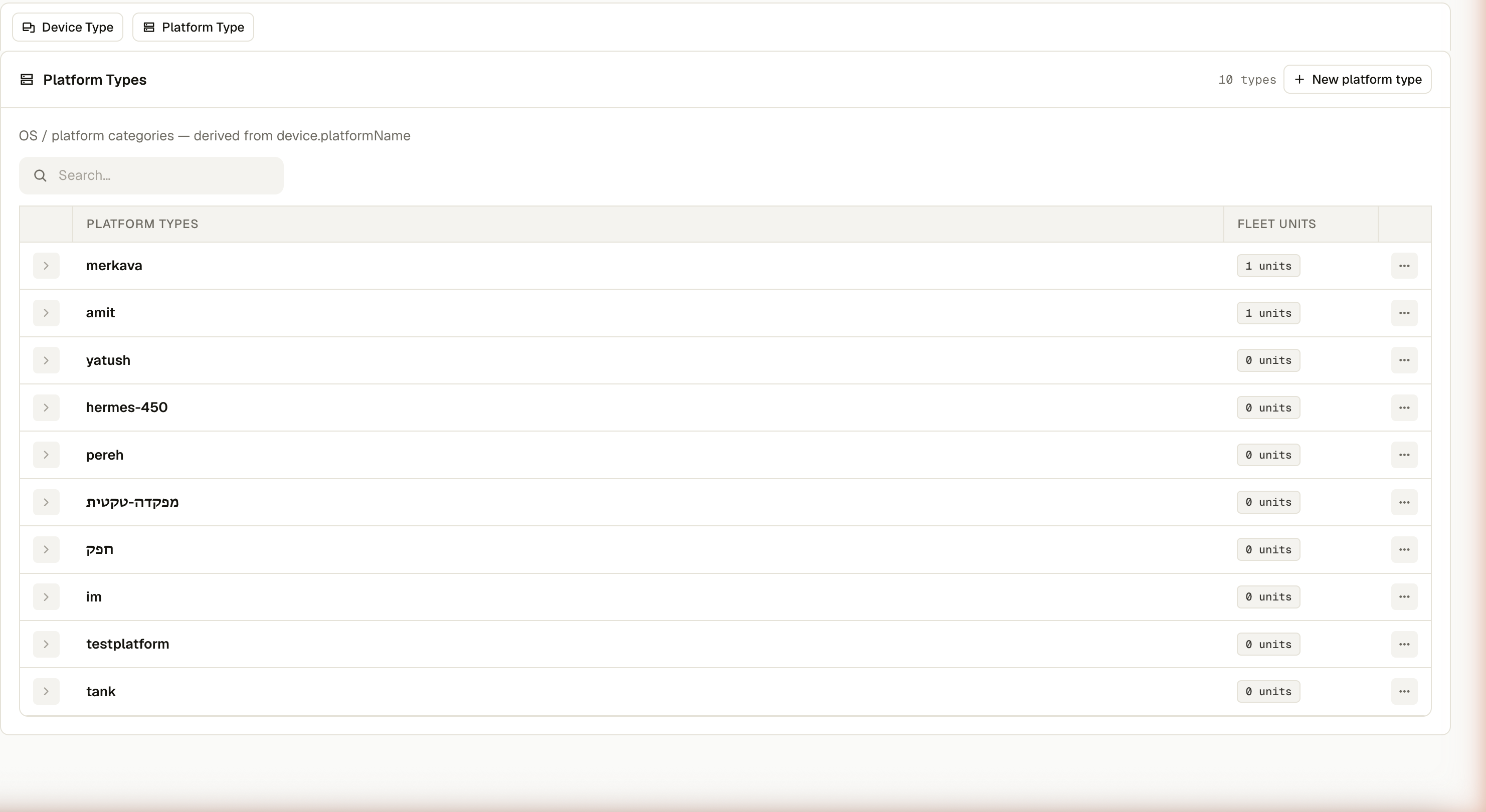
Name, Fleet units (how many real devices currently report this type), and a ⋯ menu. A type shows up here either because it has a managed record (created via New platform type) or because it's simply present on a real device — the two are merged, so a type with 0 fleet units can still exist, and a type with real units but no managed record can't be fully managed yet.
What you can do
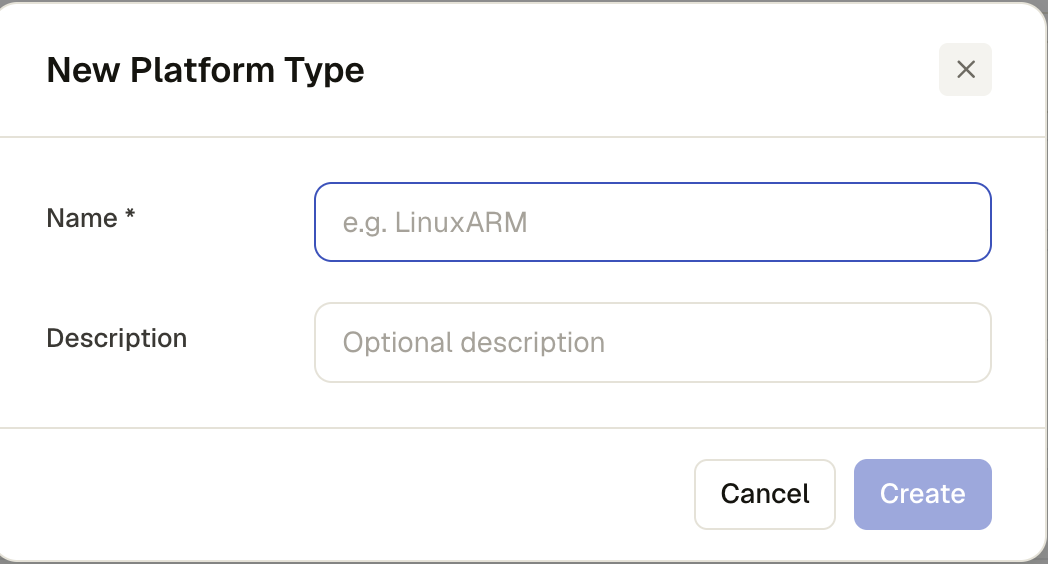
- New platform type — name (spaces stripped) and an optional description
- Delete — only for types with a managed record; a type that's purely derived from device data shows an explanatory message instead of deleting anything
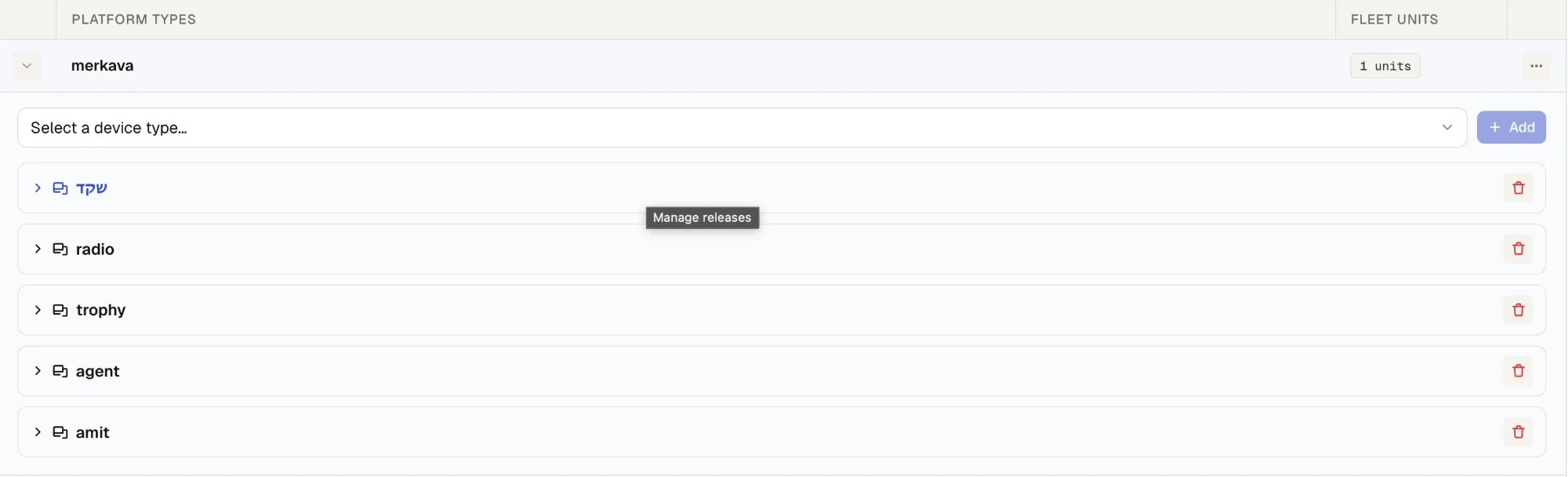
- ⋯ → Manage device types — set the platform's Version (its image reference) and attach or detach the device types that belong to it
- ⋯ → Manage hierarchy (or the row's expand chevron) — the device types attached to this platform, as a tree; expand any one to edit its platform-scoped offering policy — a distinct policy from that device type's own global one, since a device type can offer different releases depending on which platform it's nested under
An offering policy controls what a type is allowed to install at all — catalog eligibility. The Policy rules in Rules are a separate, fleet-wide mechanism for gating or auto-pushing specific releases across devices. A release can be excluded from a type's offering policy and still be the target of a completely unrelated push policy — check both if something isn't installing as expected.