Dashboard
This section describes the GetApp Agent Dashboard and how to use its main views.
Preview
The Dashboard is accessible from a web browser at:
http://localhost:2230
On the left side, a navigation menu provides access to four sections:
- Dashboard
- Device Status
- App Offering
- Settings
Each section focuses on a different aspect of the GetApp Agent system.
Sections
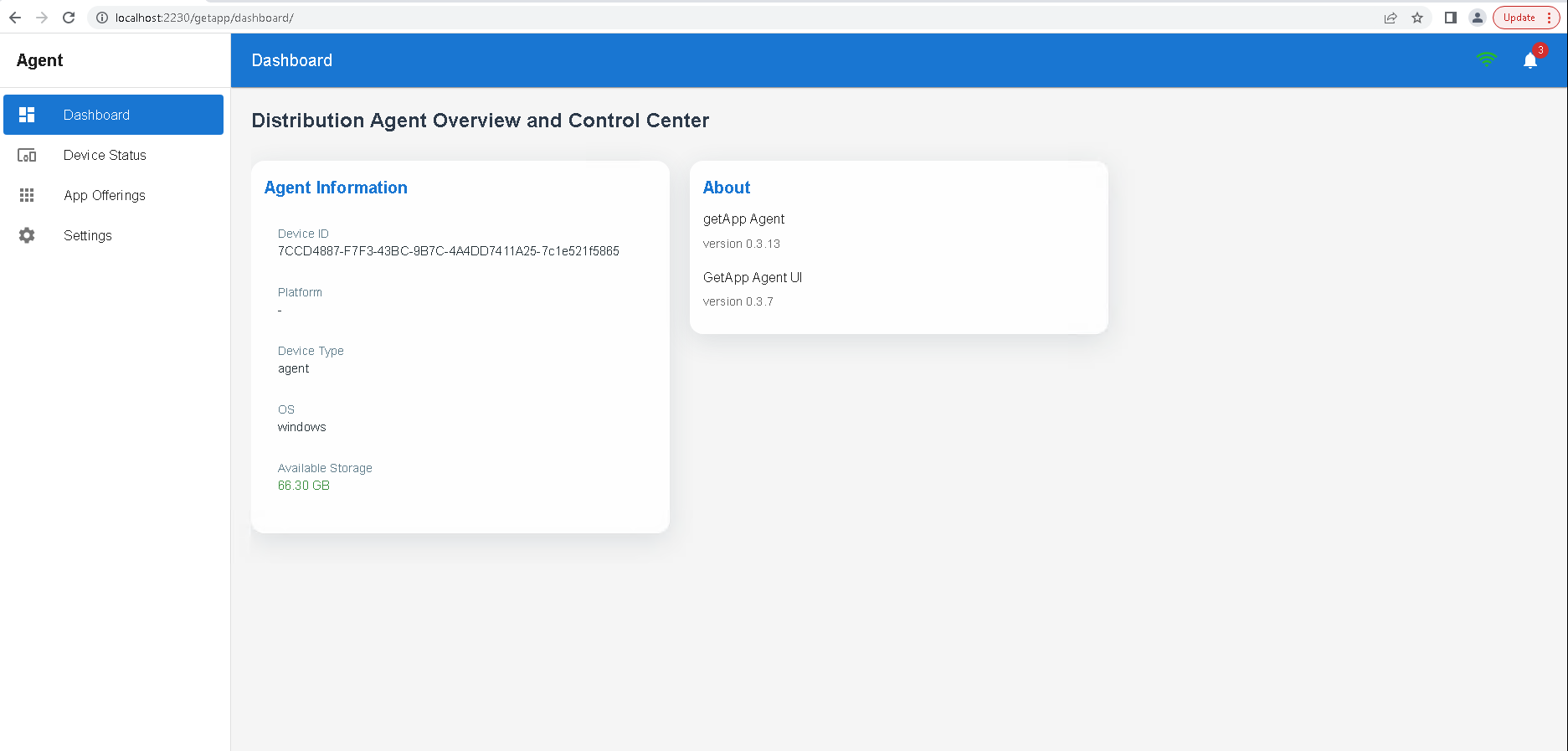
Dashboard
The Dashboard view provides an overview of the device and GetApp Agent, including details such as:
- Device ID
- Platform
- Device type
- Operating system
- Available storage and additional metadata
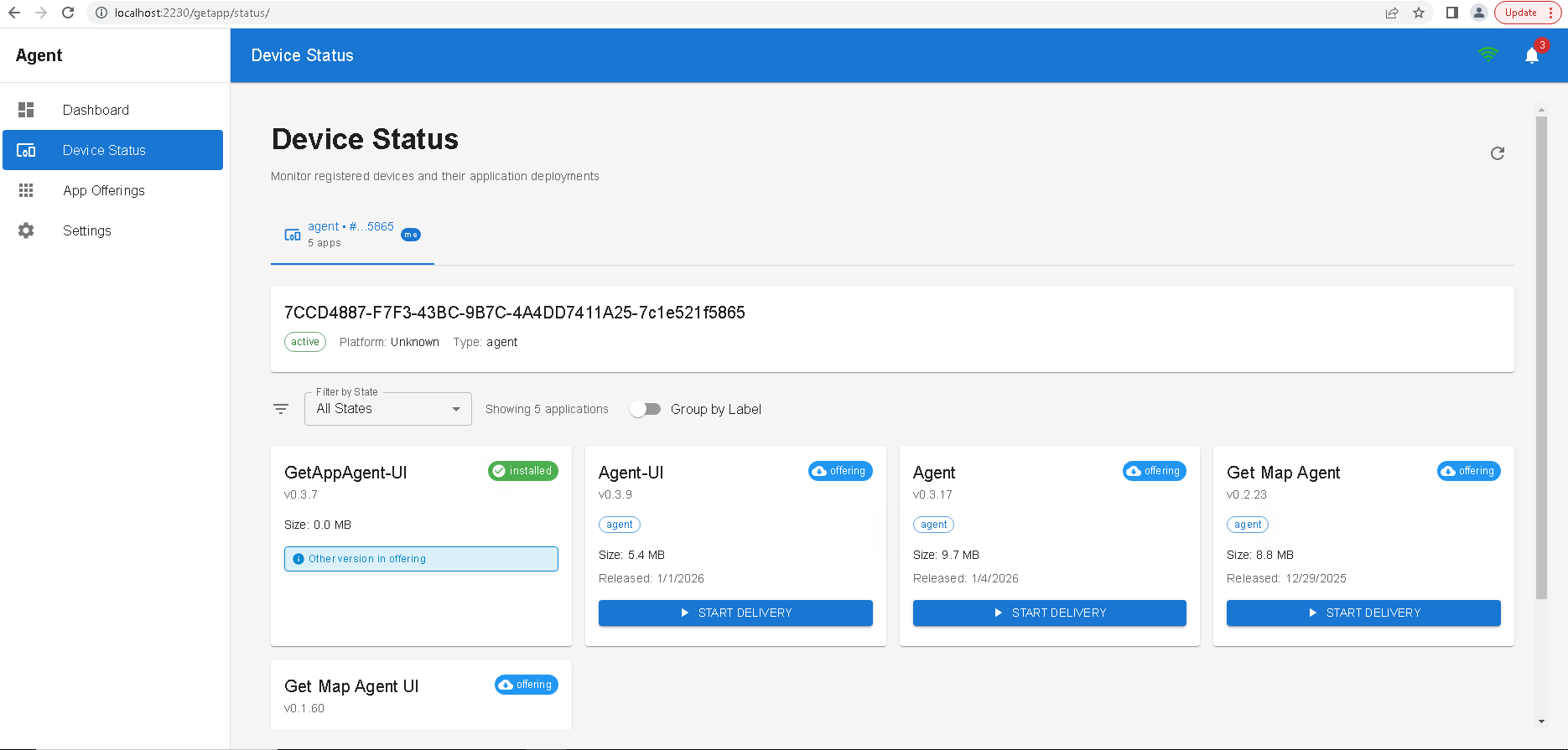
Device Status
The Device Status view gives a quick summary of the device state, including:
- Which applications are currently installed
- Which applications are available or recommended to install
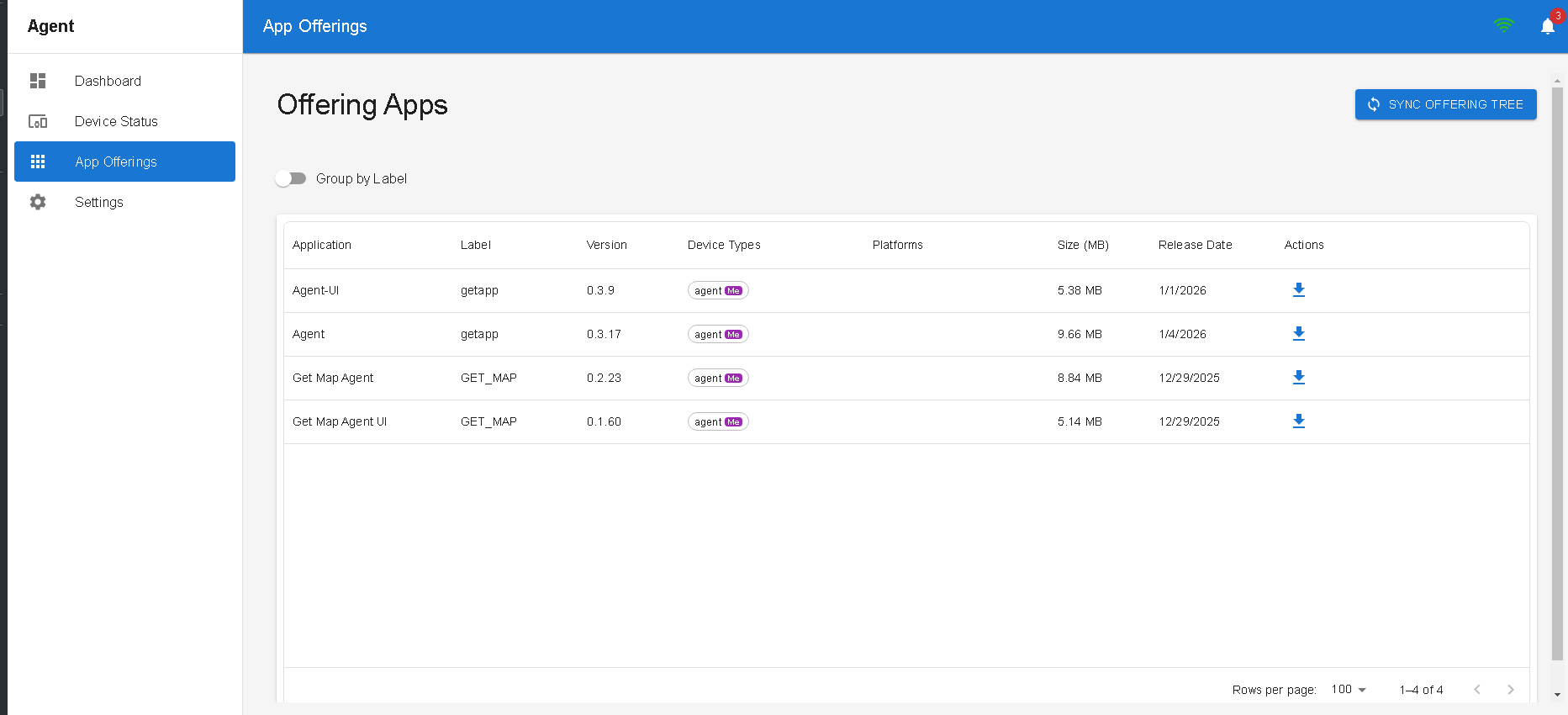
App Offering
The App Offering view lists applications that the server recommends for this device.
To refresh the available offerings, use the sync button in the upper-right corner of the page.
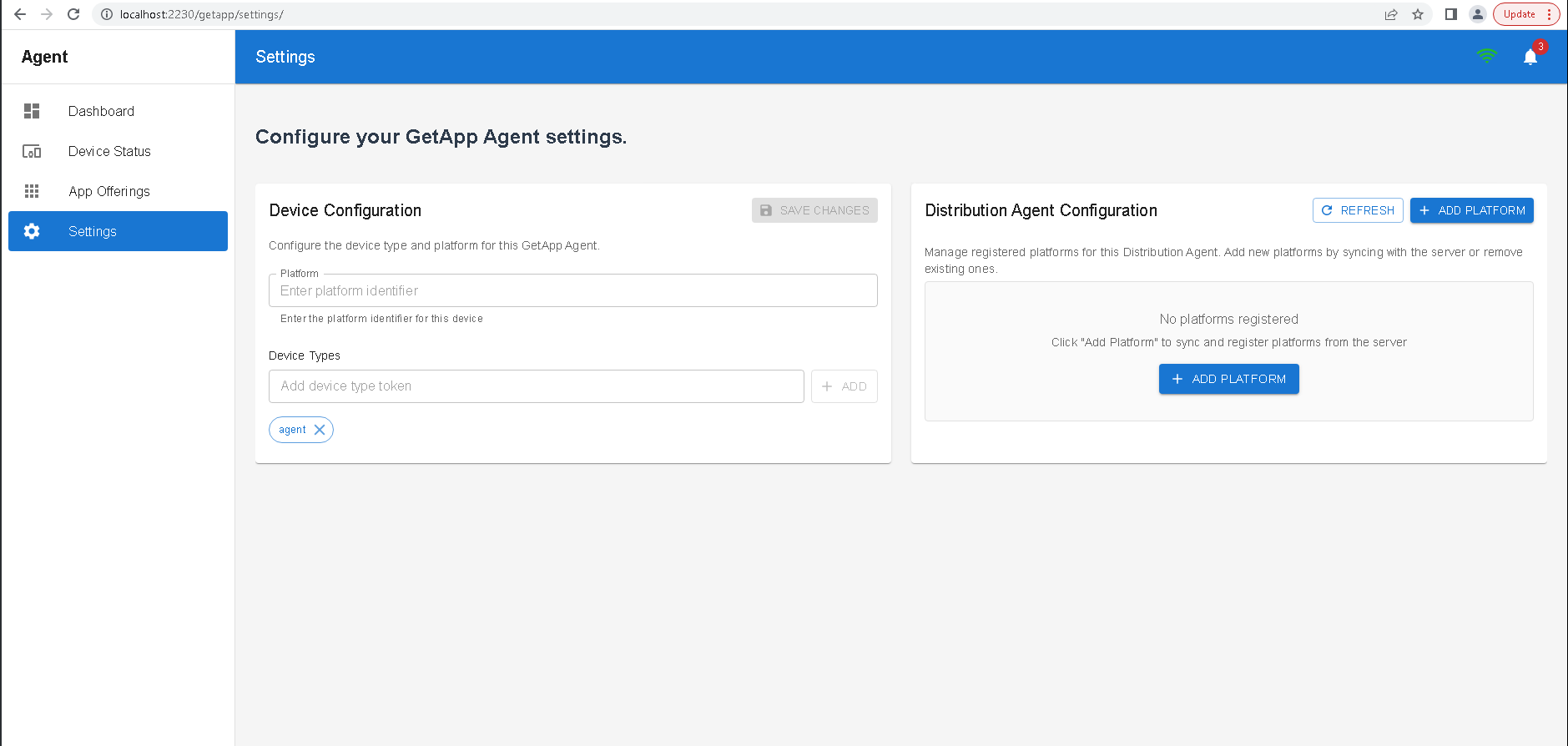
Settings
The Settings view allows you to adjust GetApp Agent configuration related to:
- How the device is discovered by the server
- Which offerings the device receives